Thursday, August 2, 2012

Image Adjustment: LA 5

Before: Noon

After: Noon
Before: Evening


After: Evening

PNG Transparency: LA 11


Image Compression Experiment: LA 8

File Size: 61.88KB

File Size: 6.21KB

Both Images taken with same camera, both 500px wide


Making Backgrounds For Web Pages: LA 10


Scanner Image

Tiled Method


Image Repeat Method


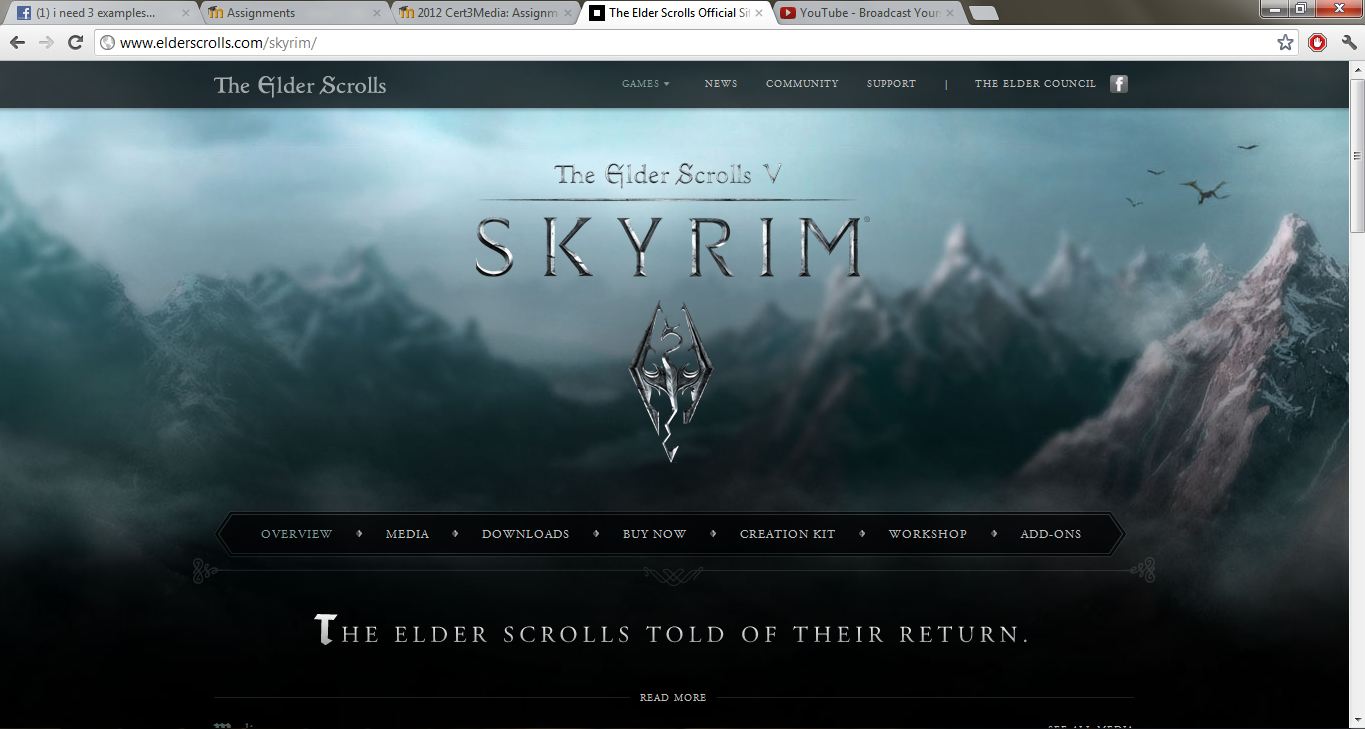
Example 1

In-game Image used as background, helps promote the game more. Simple yet effective background.  Simple colour use, and slight blurring of the image behind the center  helps keep focus on the main page

Example 2

Image In background, Relevant to the content of the blog/site. Content of image doesn't deter one from the main content of the site. Image in background taken my authors of site.


Example 3

Simple image/pattern in background can be helps main content to stand out slightly more, colour scheme of the background and header being the same helps the flow of the site

Combining Images Using Layers: Learning Activity 7.


Monday, July 16, 2012

Making Selections & Combining Images: Learning Activity 6


Once I got the image of the car selected and eliminated the chain and pole from the foreground, I had a lot of fun putting the car into different images to see where it fit in best. Once I had it in the image i changed the colour of the car slightly and placed it where i wanted it.


the selecting of the car was annoying at first but once I had the technique right, I enjoyed the activity.

Saturday, July 14, 2012

Cropping an Image, Learning Activity 4

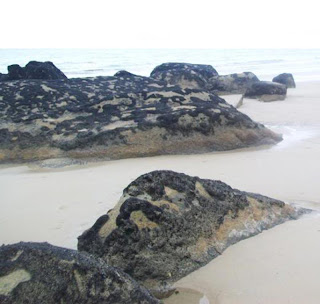
Picture 1: Before
Picture 1: After


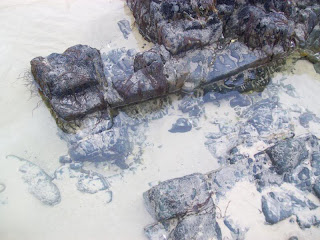
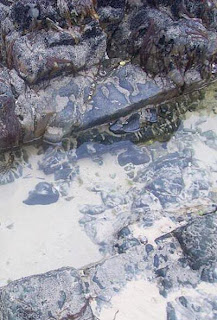
Picture 2: Before
Picture 2: After


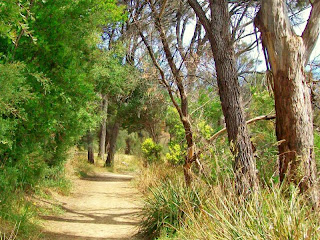
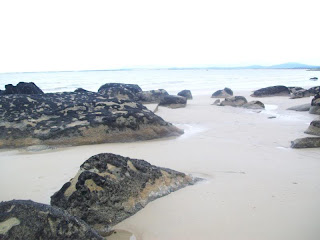
Picture 3: Before
Picture 3: After


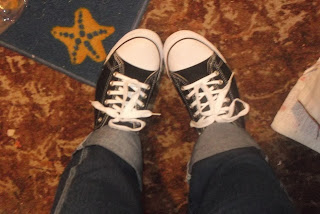
Picture 4: Before
Picture 4: After


Picture 1: Cropped out the smaller rocks to the right, to draw emphasis to the more interesting, larger rocks on the left.

Picture 2: Cropped out the rocks and sand on the left, to draw attention to the main part of the rock pool on the right.

Picture 3: Cropped out most of the trees in the foreground to draw attention to the "tunnel" effect over the path and to the trees in the background.

Picture 4: Cropped out the paper to the right and most of the rug to the left, and made the image focus on the shoes which is what the photo was focusing on.